官网
https://doc.samwaf.com/
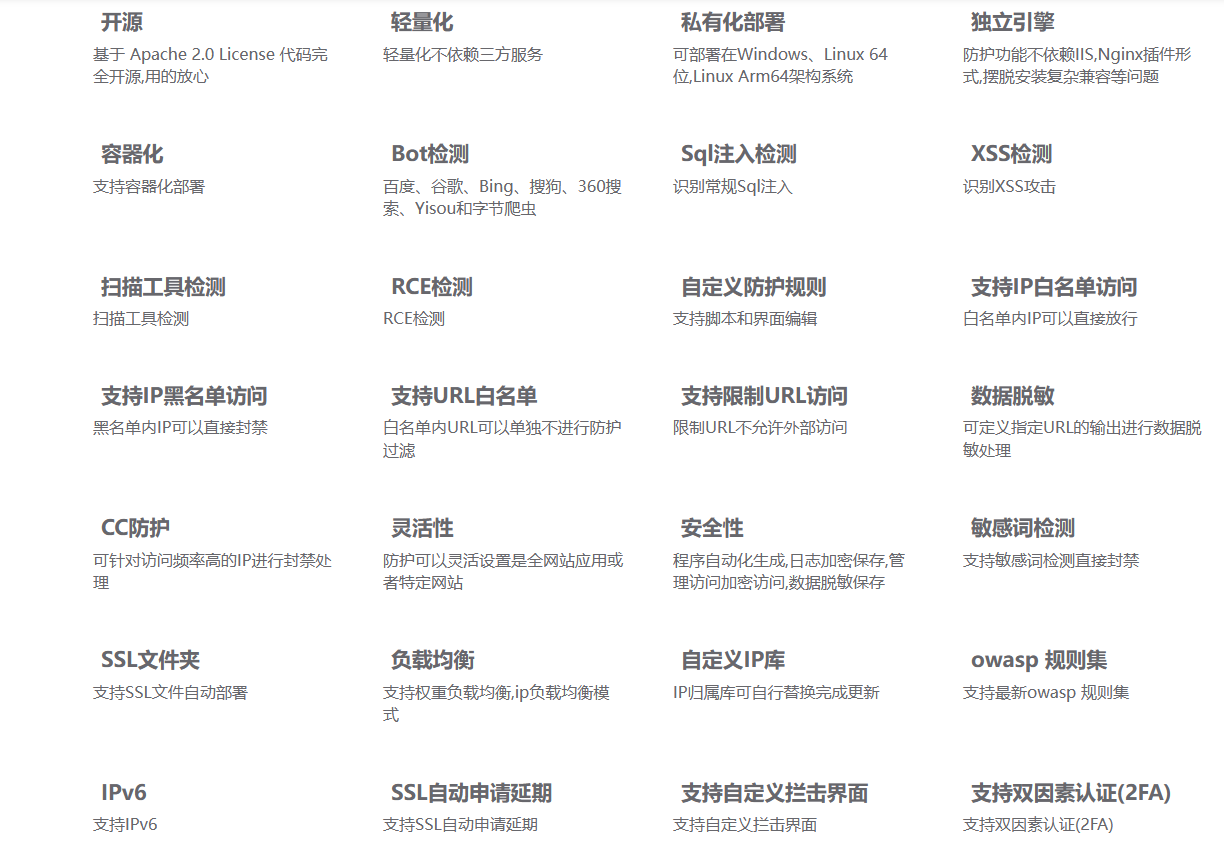
软件功能
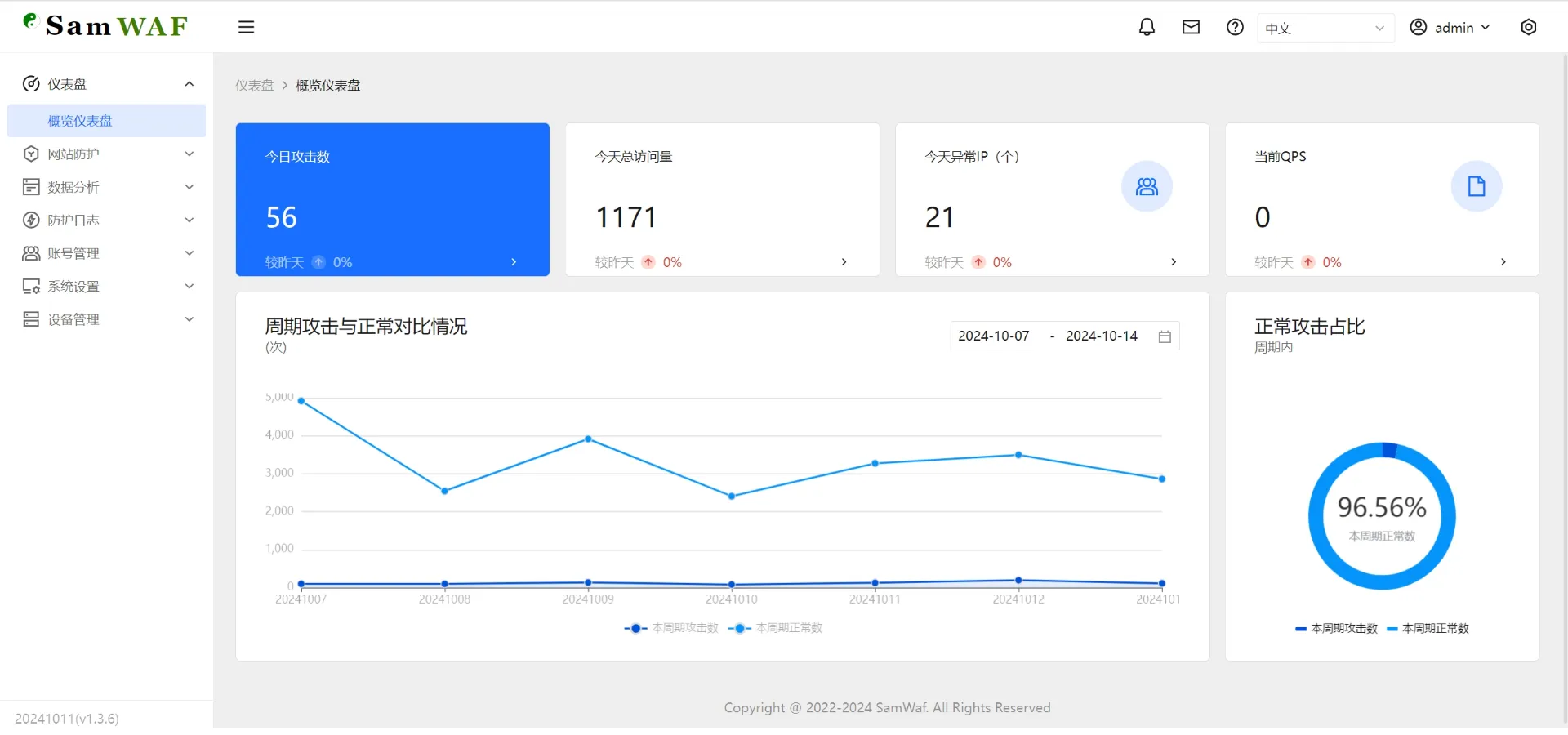
界面截图
下载地址
gitee: https://gitee.com/samwaf/SamWaf/releases
github: https://github.com/samwafgo/SamWaf/releases
安装方法
Linux 一键自动下载并安装脚本
curl -sSO https://update.samwaf.com/latest/install_samwaf.sh && bash install_samwaf.sh install
Linux 一键卸载脚本
curl -sSO https://update.samwaf.com/latest/install_samwaf.sh && bash install_samwaf.sh uninstall

windows
直接启动
SamWaf64.exe
服务形式(安装服务需以管理员身份运行cmd)//安装并启动
SamWaf64.exe install && SamWaf64.exe start
//停止并卸载
SamWaf64.exe stop && SamWaf64.exe uninstall

linux arm64
./SamWafLinuxArm64 install && ./SamWafLinuxArm64 start

docker
docker run -d --name=samwaf-instance \
           --restart always \
           -p 26666:26666 \
           -p 80:80 \
           -p 443:443 \
           -v /path/to/your/conf:/app/conf \
           -v /path/to/your/data:/app/data \
           -v /path/to/your/logs:/app/logs \
           -v /path/to/your/ssl:/app/ssl \
           samwaf/samwaf

docker-compose
samwaf:
    image: samwaf/samwaf:v1.3.20
    container_name: samwaf
    restart: always
    ports:
      - 80:80
      - 443:443
      - 26666:26666
    volumes:
      - /etc/localtime:/etc/localtime
      - /data/samwaf/conf:/app/conf
      - /data/samwaf/logs:/app/logs
      - /data/samwaf/ssl:/app/ssl
      - /data/samwaf/data:/app/data
    networks:
      samwaf:

networks:
  samwaf:
    name: samwaf
操作手册
https://doc.samwaf.com/guide/